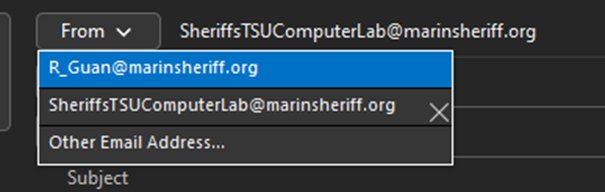
This guide will walk you through on how to enable the From option and sending email from a Shared Email.
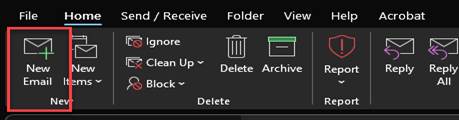
1.) Click on Home > New Email
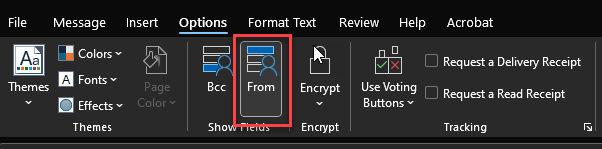
2.) In the new email window click on Options > Click on From
3.) Click on From > Click on Other Email Address
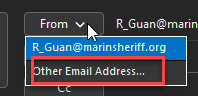
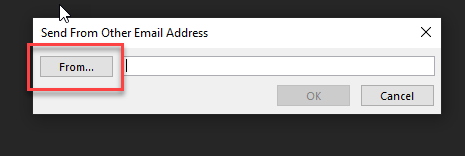
4.) Click on From
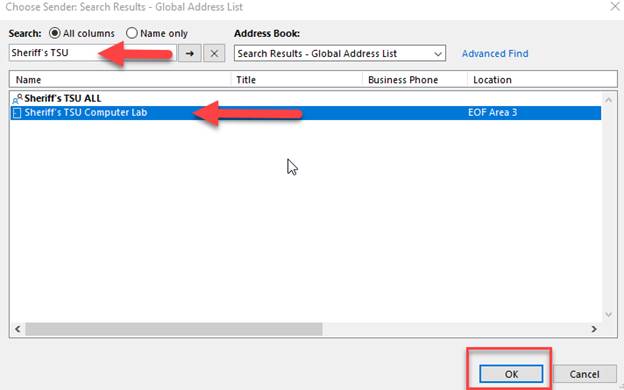
5.) In the Search Field type the name of the shared mailbox > in the search results click on the shared mailbox > Click OK
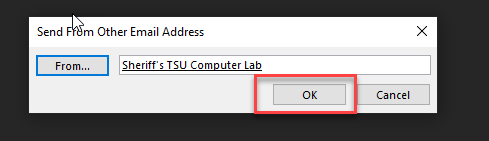
7.) You should now be able to select the shared mailbox to send new emails.