
If you cannot log into MUNIS, try changing your email password by following the steps below. Your email and MUNIS password are the same.
1.) Log into https://outlook.cloud.microsoft/mail/ with your current email and password.
2.) Click on your account manager at the top right corner.
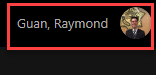
3.) Click on View Account or My Account.
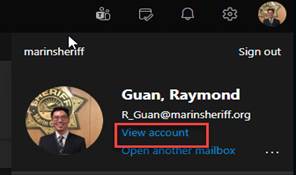
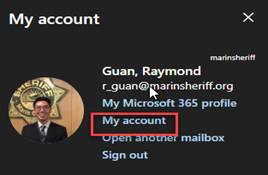
4.) Click on My Account.
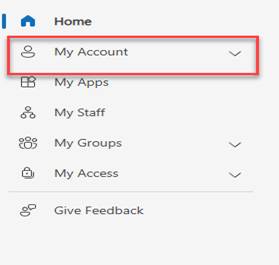
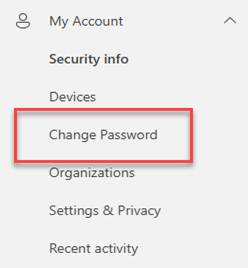
5.) Click on Change Password
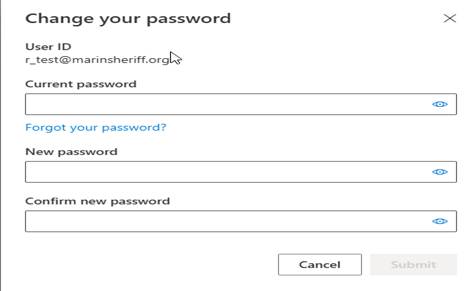
6.) Enter your current password and enter your new password. Password must meet Microsoft complexity requirements.
Password Requirements
Your new password must be at least 8 characters long and include at least 3 of the following:
- Lowercase letter (a–z)
- Uppercase letter (A–Z)
- Number (0–9)
- Symbol (e.g., !, $, #, %)
Important Rules:
- No Personal Info: Cannot contain your username or display name (or 3+ consecutive letters of your name).
- Password History: You cannot reuse any of your previous 1 to 24 passwords
7.) Go back to https://tyler-marincountyca.okta.com/ and try to login. If you still have issues logging in, please give TSU a call at extension 5150.